
Guide
How to use ManyChess
A simple explanation, step by step, with pictures.
Signing in
You sign in without a password. You get a link and a code in your email.
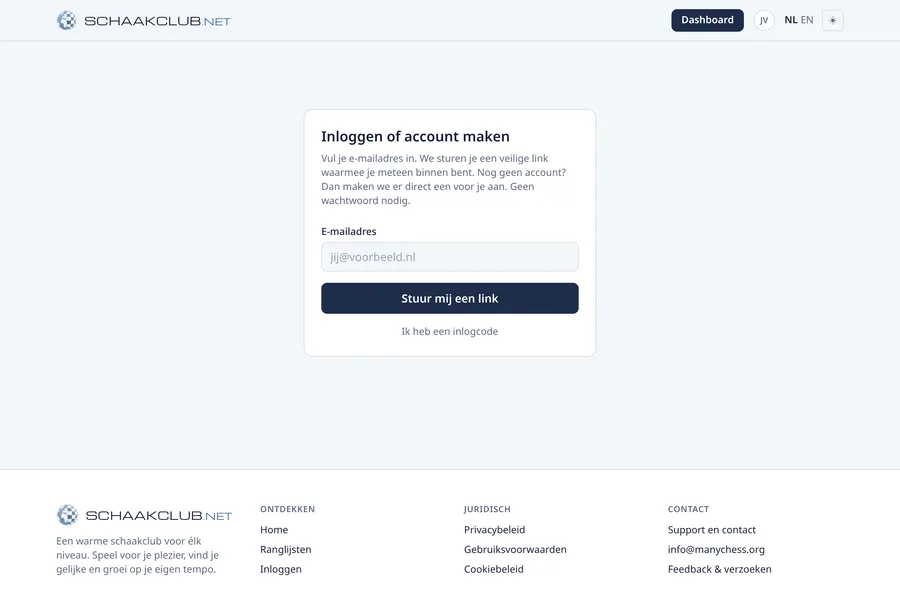
- 1Go to the site and click “Sign in”.
- 2Enter your email address and click the button.
- 3Open the email you receive and click the sign-in link. Done, you are signed in.
On another device? The email also contains a code. On the site click “I have a sign-in code” and type the code.
1 of 7